AI Provider Manager
Use your own OpenAI, Gemini, Claude, Grok or OpenRouter key in the Odoo AI assistant instead of paid IAP credits.

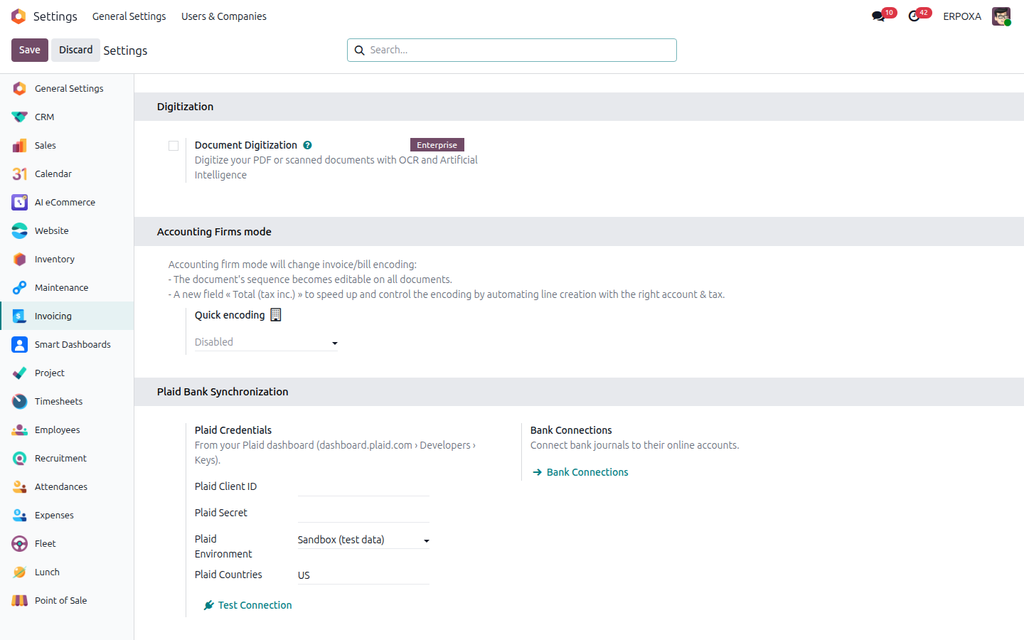
Connect bank accounts with Plaid and import bank transactions from 12,000+ banks into Odoo automatically.
Downloading statements from the bank website and importing files every week is slow and error-prone. Reconciliation is always days behind, and transactions get missed or imported twice.
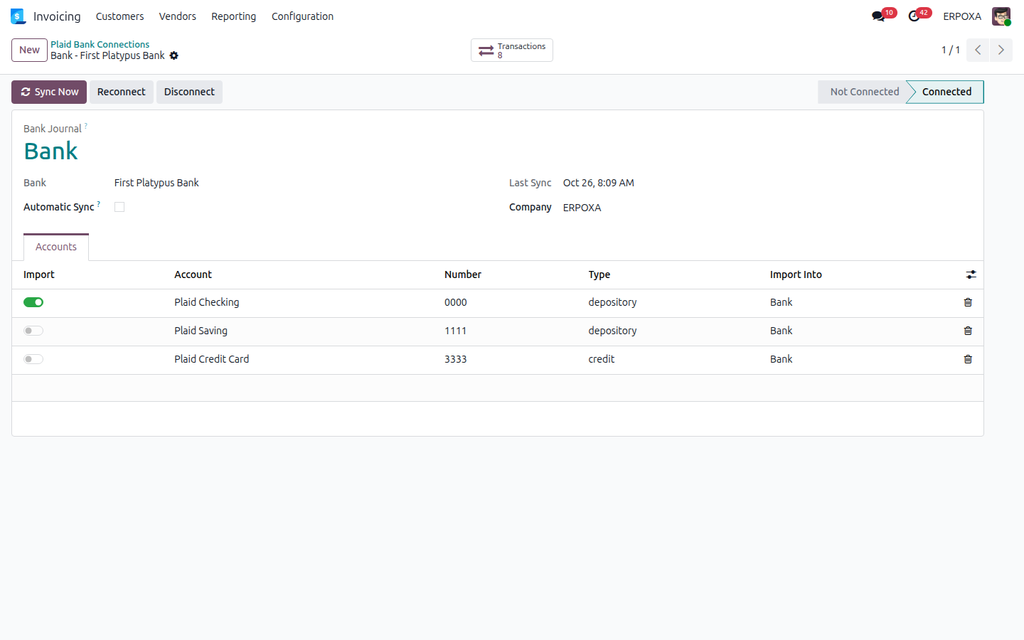
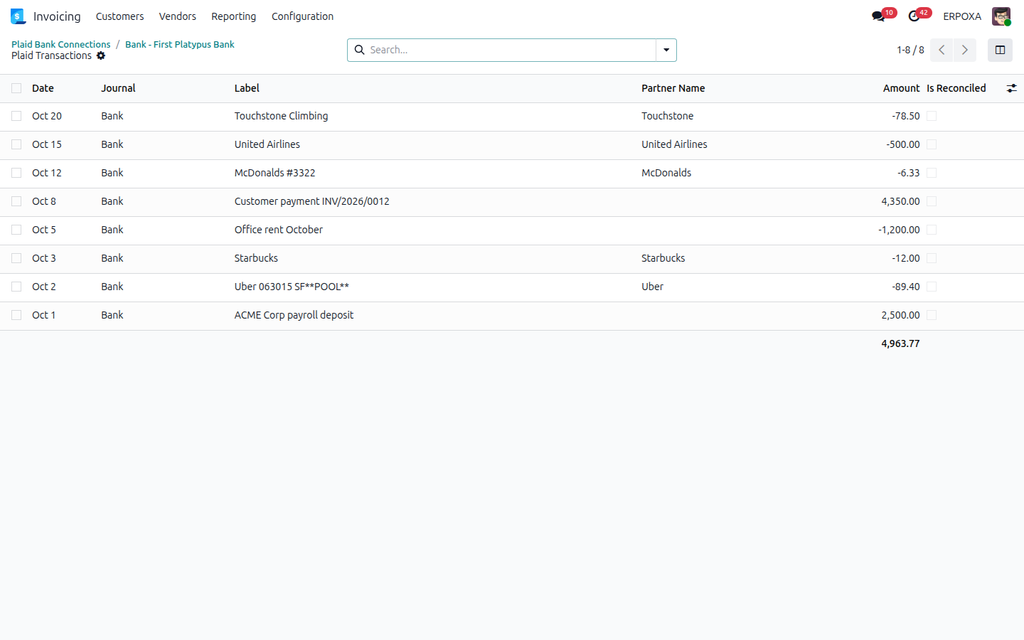
Automatic Plaid Bank Synchronization connects your bank accounts through Plaid. Transactions arrive in your Odoo bank journals by themselves — every 4 hours or on demand — with the right signs, ready to reconcile. Works on Community and Enterprise, with nothing extra to install.
| Without this app | With Plaid Bank Synchronization |
|---|---|
| Statements downloaded and imported by hand. | Transactions arrive in your bank journals automatically. |
| Reconciliation always days behind. | Reconcile the same day with Odoo's bank reconciliation. |
| Missed or duplicated transactions. | Each transaction imported once; changes and removals followed. |
| Bank files in different formats for every bank. | One connection flow for every Plaid-supported bank. |
Click Try the live demo, log in with demo / demo, then open Accounting → Configuration → Plaid Bank Sync → Bank Connections, open the connection and click Transactions to see what was imported.
Use your own OpenAI, Gemini, Claude, Grok or OpenRouter key in the Odoo AI assistant instead of paid IAP credits.

Per-user UI lockdown — hide Create, Delete, Export, Print, Duplicate, Archive, Chatter, Filters and force read-only forms.
Side-by-side master-detail layout for any list, kanban or pivot view. One toolbar toggle, no per-model config.